
Salesforce Sales Cloud and AWS Partner Central (ACE)
Opportunities in Salesforce co-sell with AWS through an external client app you own. Nothing is installed from AppExchange, and no HabileLabs account has access to your org.
Last updated
- Who sets it up
- A Salesforce administrator
- How long
- About ten minutes
How CoSell connects to Salesforce
- An external client app you create in Setup, with the api and refresh_token scopes
- Recommended: an integration user through the client credentials flow, so nothing expires when a person leaves
- Or sign in as a user on Salesforce's consent screen
- Your My Domain URL, including sandboxes
What CoSell adds to Salesforce
- Read-back custom fields on Opportunity: ACE_Opportunity_ID__c, ACE_Review_Status__c, ACE_Review_Comments__c, ACE_AWS_Seller__c, ACE_Stage__c and more
- The ACE_Co_Sell__c checkbox that marks an opportunity for AWS
- Reads your org's currency (multi-currency through CurrencyType) and active users, so owners follow to AWS
How changes reach CoSell
- CoSell reads the opportunities changed since its last look every few minutes
- For changes at once: a Flow with an HTTP callout, or an Outbound Message, to CoSell's webhook
Stages, records and AWS referrals in Salesforce
- Stages come from the StageName picklist, with Salesforce's standard stages mapped to ACE stages from the start
- A deal's contact is kept as the opportunity's primary contact role
- AWS referrals become an account, contact and opportunity; AWS leads become Salesforce leads, converted through Salesforce's own conversion
- AWS inputs (use case, delivery model, sales activities) come from custom fields you create or map
What you get, the same as every CRM
- A stage map: which CRM stage is which ACE stage, and the gate stage that sends a deal to AWS
- A deal filter or a co-sell checkbox: which deals are co-sell deals
- Field mapping, currency conversion and the solutions attached to each opportunity
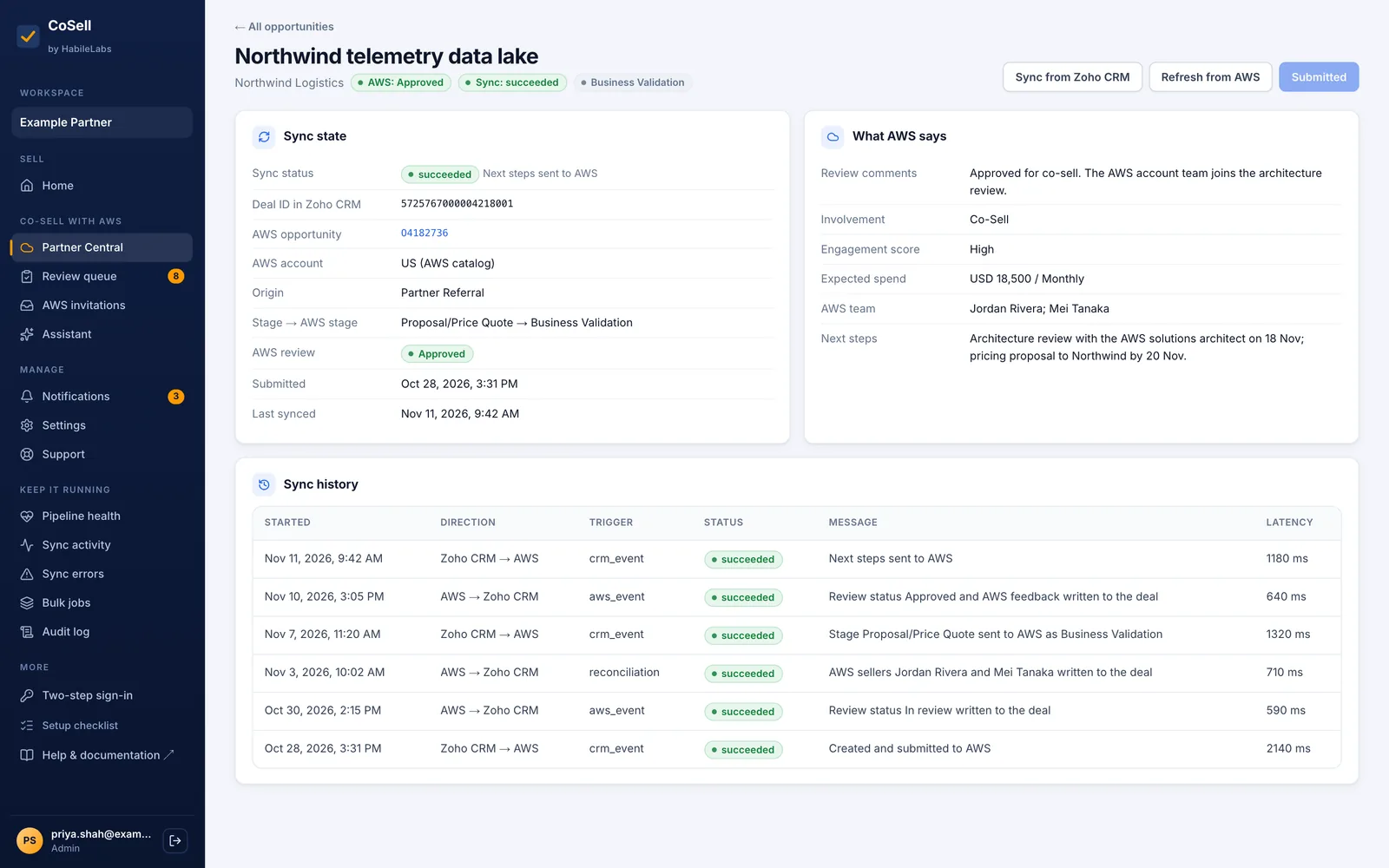
- Read-back fields on the deal: the ACE ID, AWS's review status and comments, the AWS seller and AWS's stage
- AWS referrals and leads created in the CRM, with their deadline
- The review queue, pipeline health, sync history and the error inbox
Things to know
Good to know
Give the integration user's permission set access to the new fields; activation lists any it cannot see
Good to know
AWS also publishes a free connector for Salesforce; the compare page sets the two side by side
One CRM per workspace
A workspace has one primary CRM: one of the five, or CoSell CRM. Connecting your own CRM can keep CoSell CRM beside it, and you choose which one AWS's referrals and leads land in.
Available in AWS Marketplace
Co-sell with AWS from Salesforce
Start the free trial on AWS Marketplace with your AWS account. Your workspace is ready in minutes, and you connect your CRM yourself.